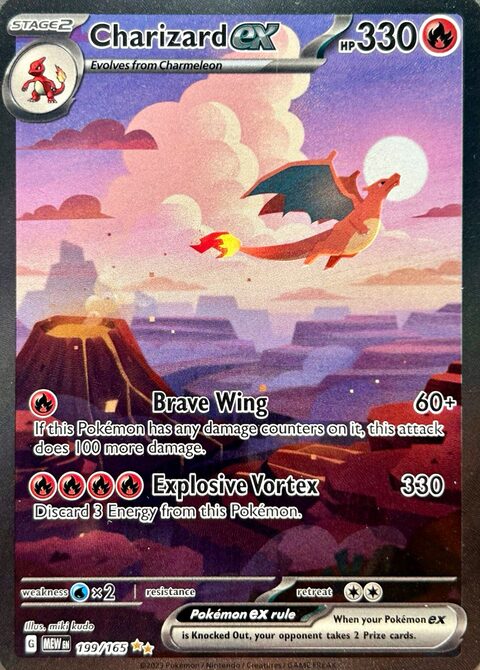

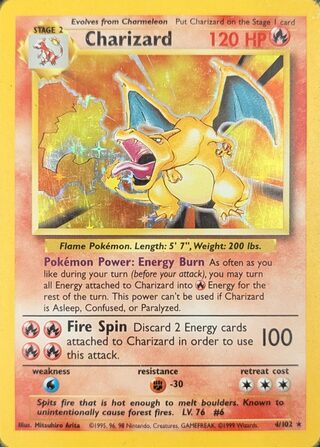
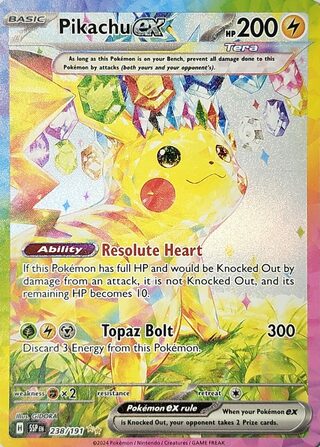
Three steps, in order
Each step depends on the one before it. A condition means something only once you know the printing, and a price only once you know both.
-
Identify the exact card and printing
Find three things on the card: the set it comes from, the collector number such as 4/102, and the marks that tell one printing from another — an edition stamp, a drop shadow on the art box, a holo pattern.
The number is the quickest place to start. With the set, it narrows a name down to one card; the printing marks narrow that card down to one printing. On older cards the printing is where the price moves most. Base Set is the famous case, and the guide to 1st Edition, Shadowless and Unlimited print cards shows its marks on real photographs.
-
Judge its condition honestly
The same printing sells for less the more it has been handled. Look at the corners, the edges and the surface in good light, front and back, and place the card on the five-step scale the app uses, from Near Mint to Damaged.
- Near Mint
- Looks new, no scratches
- Lightly Played
- Light wear, close look
- Moderately Played
- Obvious edge wear
- Heavily Played
- Creases, whitened edges
- Damaged
- Tear, fold or writing
Check the back as closely as the front — whitened edges are easiest to see against its dark blue border. And a card sealed in a grading company's case is a different price again — it sells on its grade, not on this scale, and GrailFox does not predict grades.
-
Read a named market price, and check its date
A value is only as good as its source and its age. Use a price that names the market it comes from and says when it was last updated, for the printing and the condition you settled in the first two steps.
A number with no source is a guess, and an old one describes a market that has moved on. In GrailFox every scan result and card page shows where its price comes from — TCGplayer market — and how long ago it was updated.