What a card scanner should actually tell you
Four things. A scanner that shows fewer leaves the hard part to you.
- Name
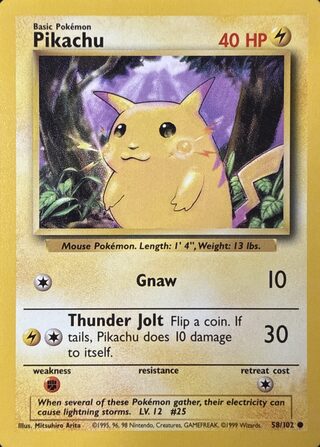
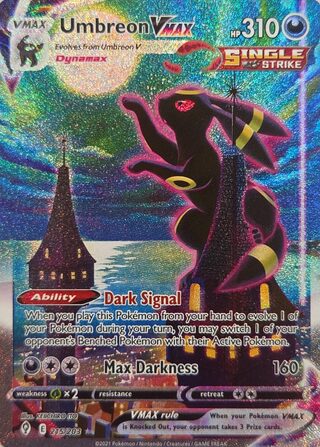
- Which card it is — Charizard, Pikachu, Umbreon VMAX.
- Set
- The expansion it was printed in, such as Base Set or Paldean Fates.
- Collector number
- The number at the foot of the card, such as 4/102. It tells apart cards that share a name.
- Printing
- Which print of that card you have: a 1st Edition, a Shadowless, a holo or a reverse holo, a special foil. This is the one that moves the price.
The same Charizard 4/102 exists as a 1st Edition, a Shadowless and an Unlimited print. The artwork is the same on all three, and they sell for very different money. A result that stops at "Charizard" has not told you which of them you are holding — the guide to Base Set printings shows the marks that do.
How GrailFox scans a card
Three taps, and the photo does the reading.
-
Snap it
Fill the frame with one card and hold the phone flat. Sleeve on or off.
-
Confirm the print
It checks the set, the number and the printing against the catalog. If two printings fit, you pick.
-
See the price
The market value in the condition you choose, with its source and how fresh it is.
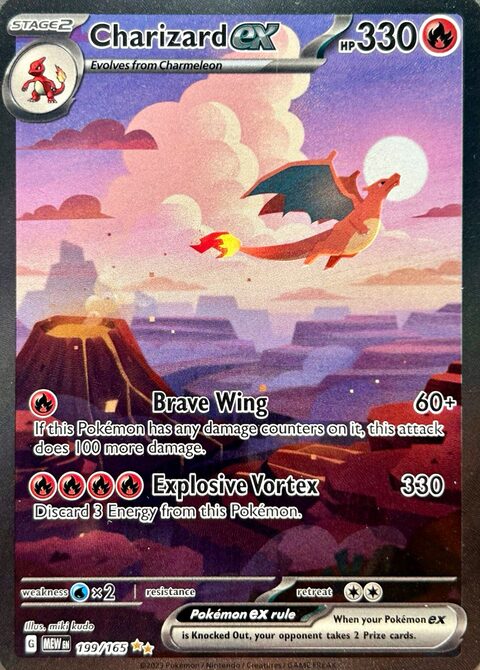
Exact match
Charizard ex
Scarlet & Violet 151 · 199/165
$368.83
Near Mint
TCGplayer market · updated 2 hours ago
What happens when it isn't sure
Some photos cannot settle the question. Two printings can differ by nothing more than a shadow behind the art box, and a glare across the holo or a collector number in shadow can hide the one detail that decides it.
When that happens, GrailFox does not pick for you. It shows the printings the photo fits and you confirm the one in your hand. If it cannot identify the card at all, it says so and suggests what to change about the photo.
Only a scan that identifies a card counts against your scans — and when it shows you a list of candidates, it counts once you confirm one. A scan that fails costs nothing: no free scan and no credit.
“A confidently wrong card is worse than an honest ‘I don't know.’”
What it covers — and what it doesn't
It covers
- Pokémon trading cards in English
- Base Set through the current sets
- Set symbols, collector numbers and printing variations, all part of the match
It doesn't cover
- Japanese or other-language printings
- Other trading card games, or sports cards
- Grading — it does not predict what a grading company would give a card